Not sure where to start with AI? Start with one useful thing.
I’ll walk you through getting set up, asking for help and making something you can keep. No coding knowledge needed to begin.
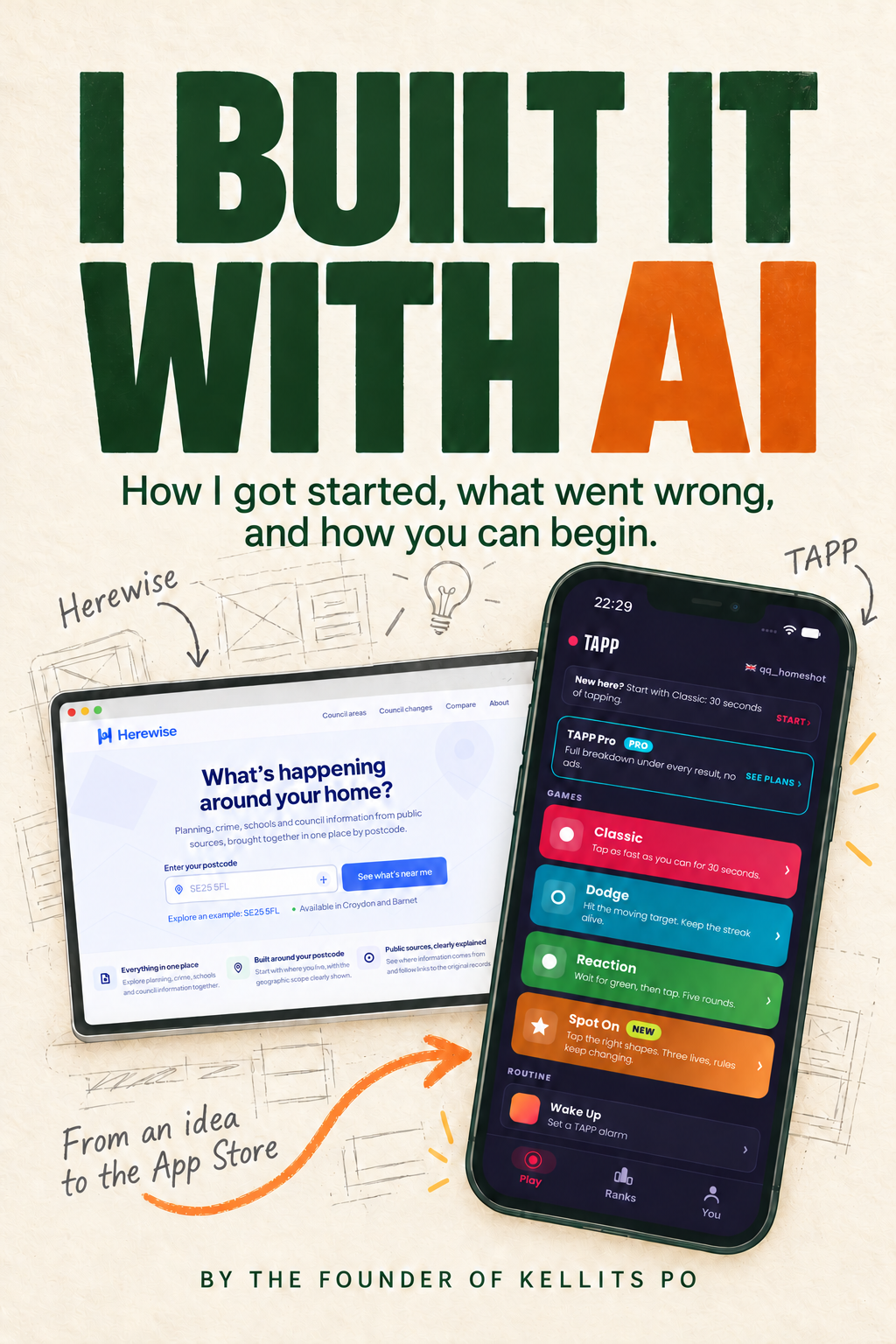
Written by the founder of Kellits PO. My background is in product, not software engineering. This is the guide I’ve put together from building TAPP, Herewise and the projects that made me rethink my ideas.
£24.99
69-page PDF · 20 chapters · One payment, no subscription
Start from the beginningSetup and a first conversation
Try it as you readSmall exercises, using fictional notes
Learn what to checkMake changes and keep a working result
From wondering to trying
You don’t need an app idea. You need a place to start.
If you’ve opened an AI tool and then wondered what to type, I wrote this for you.
The first task is a short update made from fictional notes. Later, you can try a checklist or a simple invitation page. My app stories show where those same habits took me, including the mistakes.
You can follow the first exercises without buying the separate toolkit or learning to code.
Get set up and have a go
Open a conversation, describe a small task and save the result.
Say what needs changing
Use ordinary language to correct an answer and compare versions.
Make something useful
Work from a short update towards a simple page you can open on your computer.
Know when to question it
Check claims, spot mistakes and keep a version that works.
Look inside the actual book
Read it before you buy it.
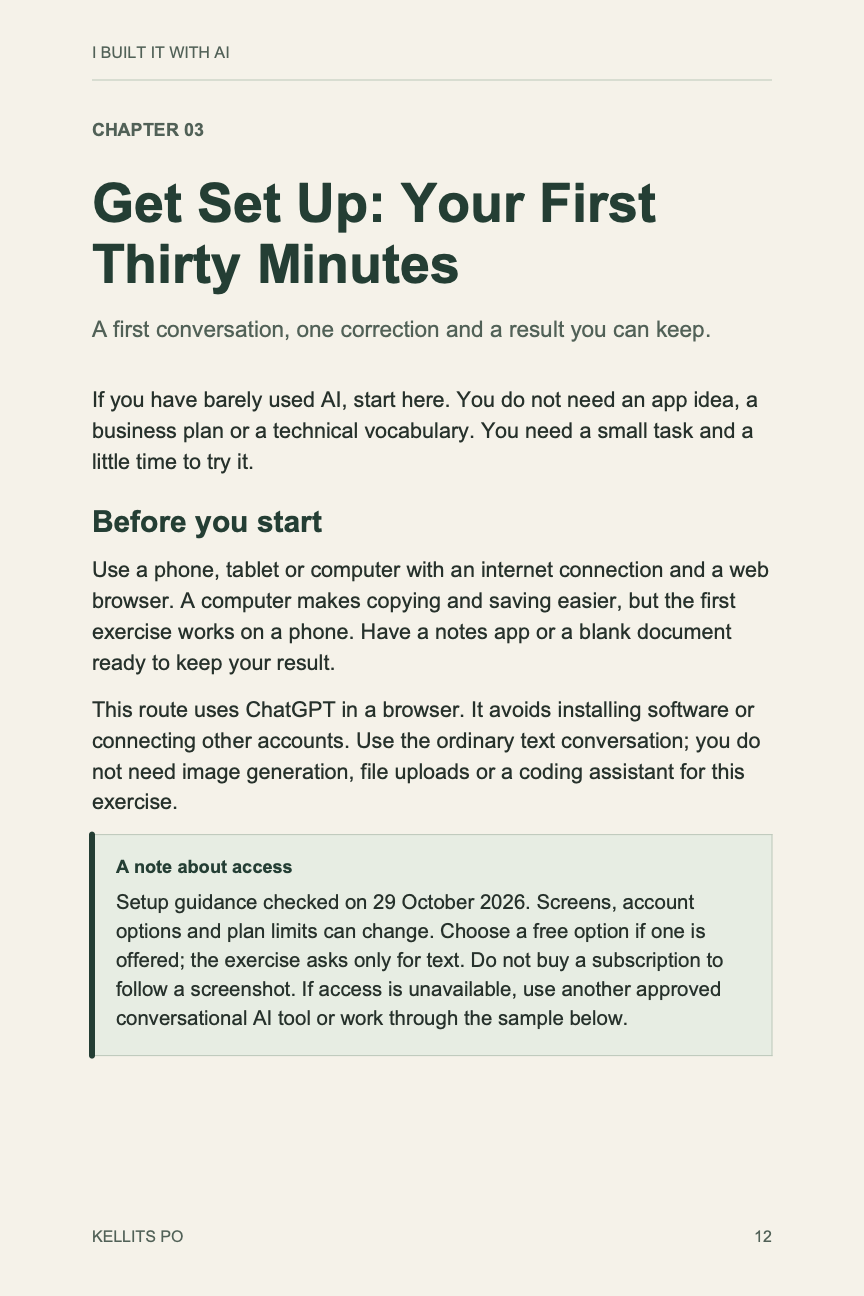
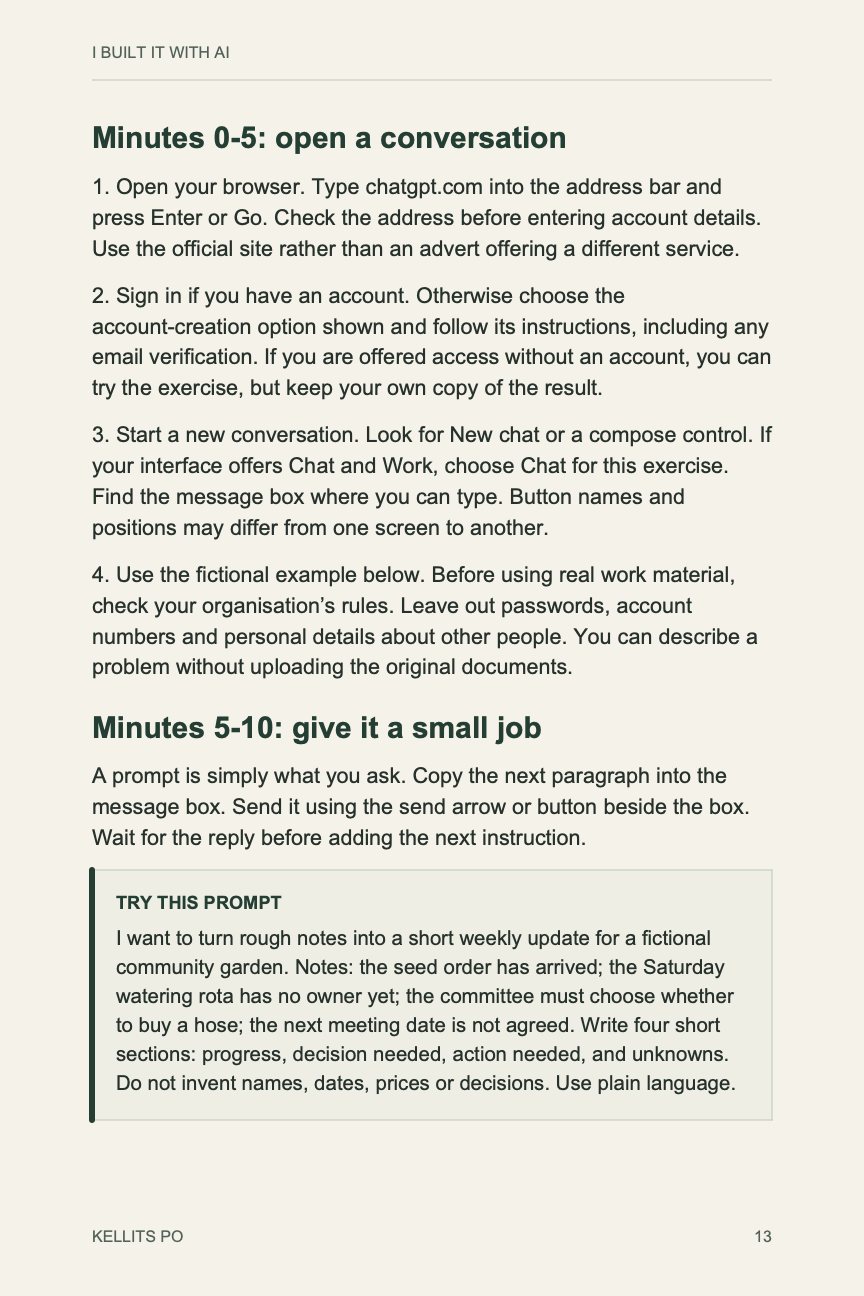
These are pages 12 and 13, from Chapter 3: Get Set Up. See how I explain the first steps and decide whether the pace is right for you.
No email address needed. Select a page to open it at full size.
If you have barely used AI, start here. You do not need an app idea, a business plan or a technical vocabulary. You need a small task and a little time to try it.
Use a phone, tablet or computer with an internet connection and a web browser. A computer makes copying and saving easier, but the first exercise works on a phone. Have a notes app or a blank document ready to keep your result.
This route uses ChatGPT in a browser. It avoids installing software or connecting other accounts. Use the ordinary text conversation; you do not need image generation, file uploads or a coding assistant for this exercise.
The experience behind the book
I started with a button. Then I had to make it work.
AI helped me make these projects, but I still had to decide what worked. In the book I share the faults I found, the changes I made and the times I had to rethink an idea.
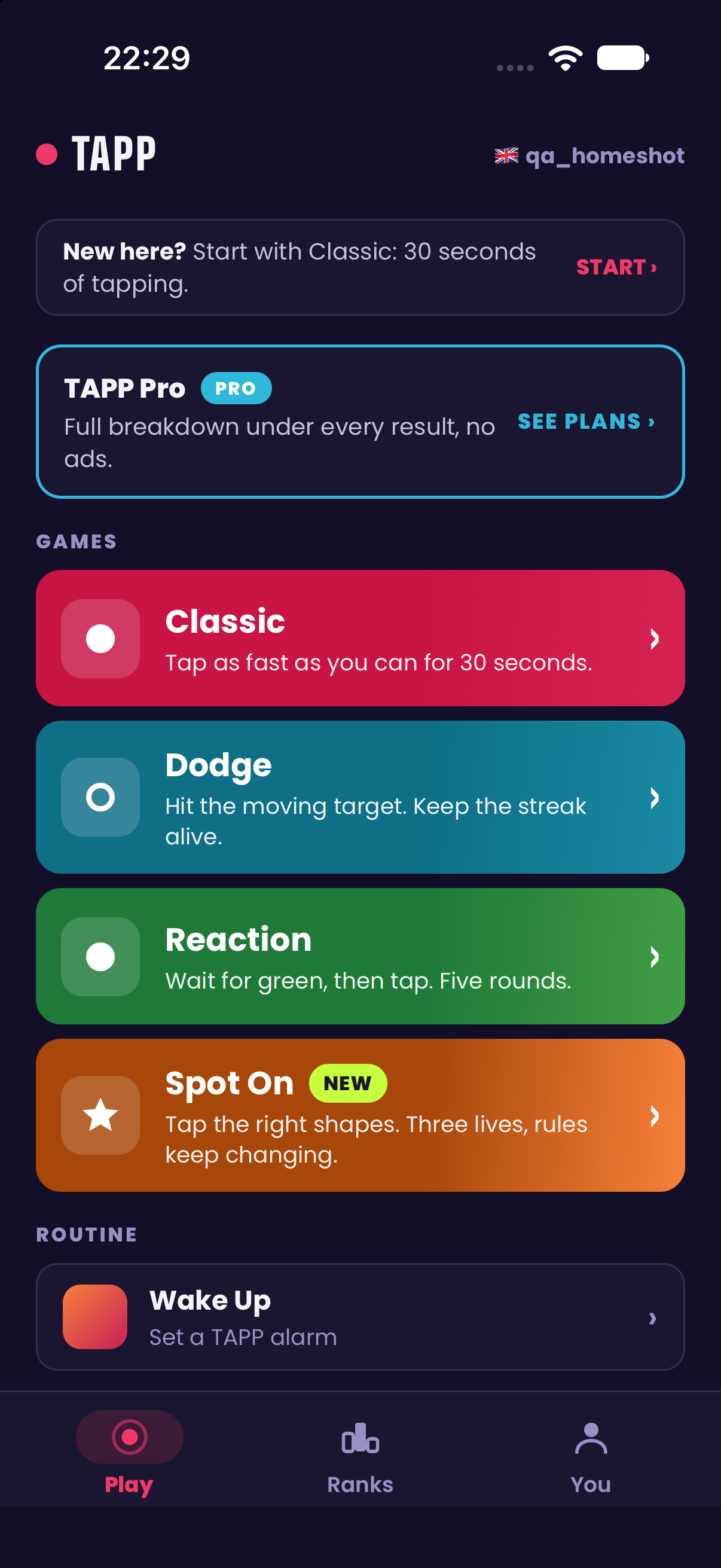
I took a simple tapping game to the App Store. Along the way, I had to fix scores that disagreed, layouts that failed on a phone and an advertising feature that made the game less fair.
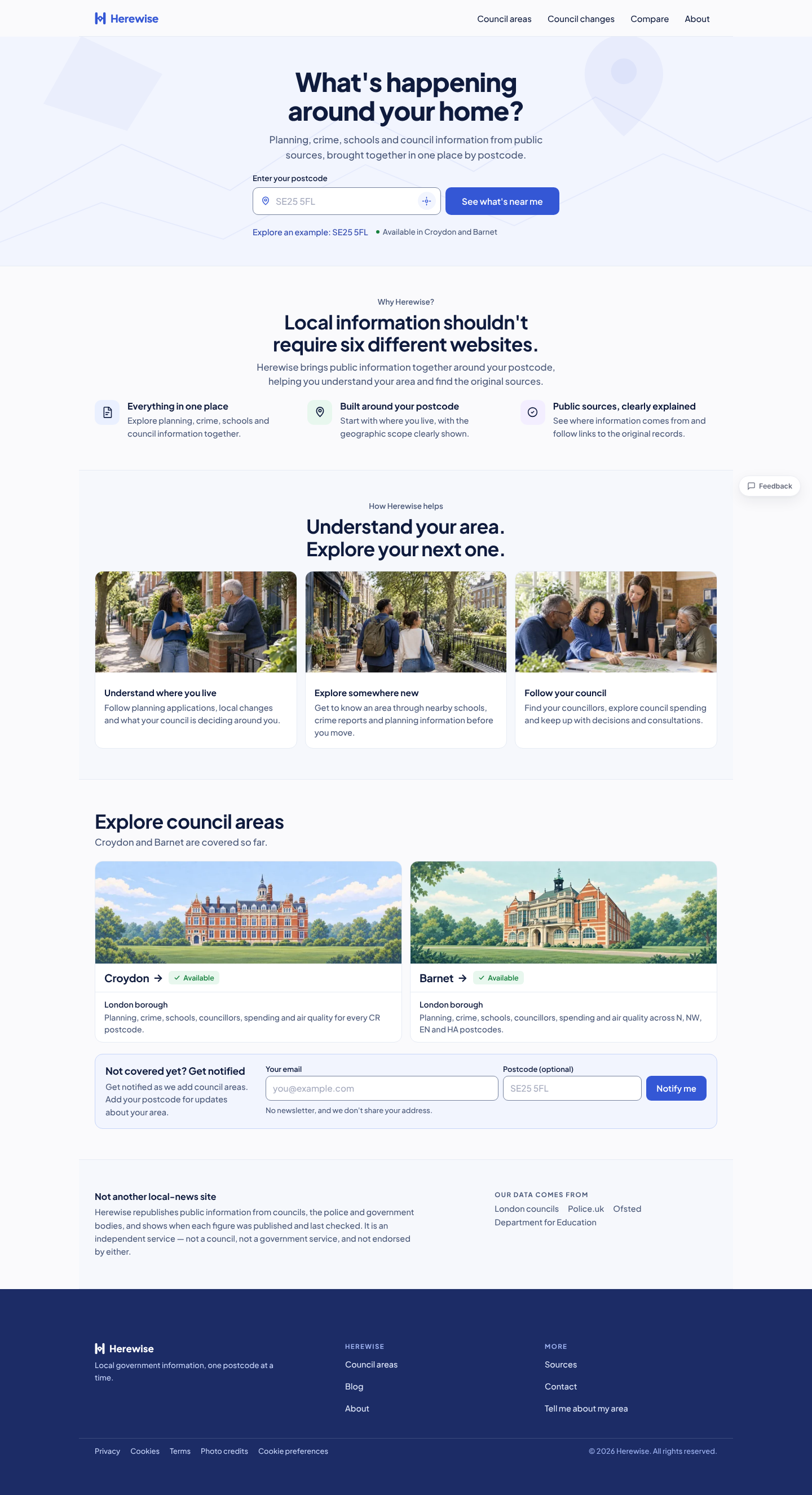
I built a site to bring local information together around a postcode. I learned that importing data was only part of the job. People still needed to find it and understand what it meant.
I explored how to help friends arrange time together. One venue suggestion was closer to a kebab takeaway than the sit-down dinner I had in mind. It showed me what I hadn’t explained.
Your copy of I Built It With AI
A guide to work through. And come back to.
I’ve kept the real experiences alongside practical steps, so you can see what I tried and then have a go yourself.
The complete 69-page PDF20 chapters with clickable contents and chapter bookmarks.
A beginner route through the bookSetup, a first conversation, corrections and a result to save.
Exercises and a worked exampleStart with fictional notes, then try an invitation page.
The projects, including the awkward bitsTAPP and Herewise before-and-after examples, plus lessons from The Fixture and other ideas.
Is this the right starting point?
For curious people who haven’t got going yet.
This is for you if you want someone to explain the first steps, give you something manageable to try and show what can go wrong.
If you already build and ship software with AI, the beginner exercises may be familiar. This is a personal, practical guide. It doesn’t promise an income or an app launch by the end.
A few things you might be wondering
Before you buy.
I’ve barely used AI. Is this for me?
Yes. Chapter 3 starts with getting set up in a browser and a small text exercise. You can go straight there, then return to the earlier chapters and stories.
Do I need to know how to code?
No coding is needed for the first exercises. Later, I show how to make a simple page you can save and open on your computer. That part is optional.
What do I need to start?
A phone, tablet or computer, an internet connection, a web browser and somewhere to save your result. The first exercise uses fictional notes, so you can practise without sharing private information.
Do I need a paid AI subscription?
The first exercise uses ordinary text conversation. Choose a free option where one is available. Access and limits vary, but you don’t need all the tools I used on my larger projects.
What happens after payment?
A confirmed purchase unlocks a PDF download on this site. An email also contains a private download link valid for seven days and a purchase confirmation link you can reopen to refresh access. You can keep the PDF once downloaded.
Is the toolkit included?
£24.99 buys the main book. The separate tools guide is still in development. Book buyers are entitled to 50% off when it launches, even if they buy it later: £9.99 instead of £19.99. The discount does not depend on signing up for emails. It isn’t on sale yet, and you don’t need it for the book’s first exercises.
What if I need help with my purchase?
Email info@kellitspo.com with your purchase email address and a description of the problem. Please don’t send card details.
Your first useful result can be a small one
Open the book. Try the first exercise.
Get set up, ask for one change and keep what you make.
£24.99
69-page PDF · One payment · Download after confirmed payment